PDF Editor Apps That Let You Fill, Sign, and Annotate Documents on Your Phone
Compare PDF editor apps for filling, signing, and annotating documents on your phone. Adobe Acrobat, Xodo, PDFelement, and SmallPDF features reviewed.
Anúncios
Printing a PDF just to sign it and scan it back is a workflow from 2008. Modern PDF editor apps handle form filling, digital signatures, annotations, and even page rearrangement directly on your phone. The challenge is finding one that does it without a subscription wall blocking every useful feature.
What Features Matter Most in a Mobile PDF Editor?
Form filling, signature capture, and text annotation cover 90% of what people need from a mobile PDF app. Merge and split functions help when combining documents for submission. OCR turns scanned images into searchable text, which matters for anyone working with physical paperwork.
Anúncios
File size handling varies dramatically between apps. Some choke on PDFs over 50MB while others handle 200MB construction blueprints without stuttering. Cloud storage integration determines whether files stay accessible across devices or trapped on one phone.
Adobe Acrobat Reader Mobile Review
Adobe's free tier handles viewing, commenting, and basic form filling. Signature capture works well, storing multiple signatures for quick reuse. The interface is polished but heavy, consuming 300MB+ of storage. Premium features like PDF editing, combining files, and exporting to Word require a subscription.
Anúncios
Cloud integration through Adobe Document Cloud syncs edits across devices reliably. The free storage is limited to 2GB, which fills quickly with large documents. Share links with comment tracking make collaboration straightforward for teams already in Adobe's ecosystem.
How Does Xodo Handle PDF Editing?
Xodo offers free annotation, form filling, and signature features without a subscription. Its real-time collaboration lets multiple users annotate the same document simultaneously. The app connects to Google Drive, Dropbox, and OneDrive natively, pulling files without manual downloads.
Bookmark and outline navigation makes long documents manageable. Xodo handles large files better than most free alternatives, rendering 100+ page documents without noticeable lag. The annotation toolkit includes highlights, underlines, strikethroughs, sticky notes, and freehand drawing.
PDFelement Mobile Capabilities and Pricing
PDFelement offers text editing directly within PDFs, not just annotations. You can change existing text, modify fonts, and adjust layouts. OCR processing converts scanned documents into editable text. The free version adds watermarks to edited files, which the paid version removes.
Batch processing handles multiple files at once for conversions and compressions. Password protection adds encryption to sensitive documents before sharing. The annual subscription costs less than Adobe but more than Xodo's free offering.
Is SmallPDF Worth Using on Mobile?
SmallPDF's mobile app mirrors its web tool's simplicity. Compress, merge, split, and convert PDFs with minimal steps. The interface prioritizes speed over depth, making quick tasks faster than competitors. Two free tasks per day limit heavy users to the paid plan.
E-signature requests can be sent to others for signing, turning the app into a lightweight DocuSign alternative. Conversion quality between PDF and Word formats preserves formatting better than most free converters. The 14-day free trial lets you test premium features before committing.
Signature Capture Quality Across Apps
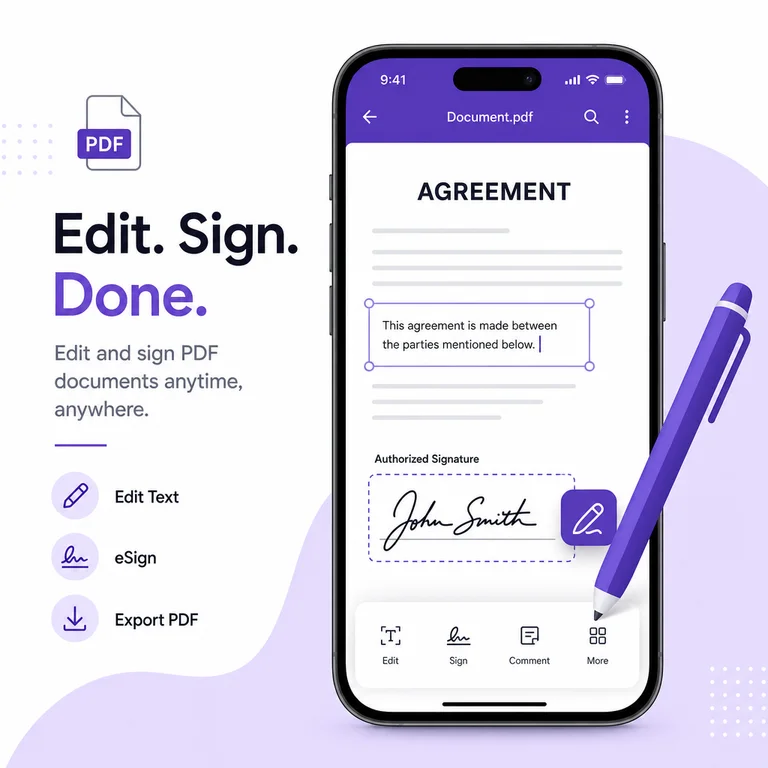
Finger-drawn signatures look different across apps because of how they smooth strokes. Adobe applies aggressive smoothing that makes shaky signatures look cleaner. Xodo preserves raw input more faithfully, which some legal contexts prefer for authenticity.
Stylus support on tablets produces dramatically better signatures than finger input on phones. PDFelement and Adobe both support pressure sensitivity with compatible styluses. For legally binding signatures, all four apps create valid electronic signatures under most jurisdictions.
Can You Edit Scanned Documents With These Apps?
OCR accuracy depends on scan quality and font clarity. Adobe's OCR handles printed text well but struggles with handwriting. PDFelement's OCR performs comparably on standard documents. Xodo lacks built-in OCR, requiring a separate app to process scanned pages first.
Scanning documents with the phone camera before OCR processing introduces alignment issues. Adobe's built-in scanner auto-corrects perspective and enhances contrast. Third-party scanners like Microsoft Lens produce cleaner inputs for apps without scanning features.
Cloud Storage Integration Options
Every major PDF app connects to Google Drive, Dropbox, OneDrive, and iCloud. Xodo adds Box support. Adobe pushes its own Document Cloud prominently but doesn't lock you out of alternatives. Files saved to cloud storage sync edits automatically, preventing version conflicts.
Offline editing determines whether the app works during flights or in areas with poor connectivity. Xodo and PDFelement cache files locally for offline access. Adobe requires downloading files explicitly for offline use, which catches travelers off guard.
Security Features for Sensitive Documents
Password protection and encryption standards vary. Adobe supports AES-256 encryption on premium plans. PDFelement offers password protection on both open and permission levels. Xodo can open password-protected files but cannot create them, limiting its security utility.
Redaction tools permanently remove sensitive information from documents. Adobe's redaction applies black boxes and removes underlying text data. Most free apps only cover text visually without removing it from the file structure, leaving sensitive data extractable.
Which PDF Editor Works Best for Form Filling?
Interactive PDF forms with designated fields work well in all four apps. Adobe auto-detects fillable fields in non-interactive PDFs, creating virtual fields where the original lacks them. Xodo handles standard form fields but misses some custom field types created in specialized software.
Date pickers, dropdown menus, and checkboxes render correctly in Adobe and PDFelement. Xodo occasionally misrenders complex form elements. SmallPDF handles basic forms but redirects complex ones to its web version for better compatibility.
Free vs Paid Tiers Compared
Xodo provides the most functional free experience with annotations, signatures, and form filling included. Adobe gates editing, merging, and OCR behind its subscription. PDFelement adds watermarks to free exports. SmallPDF limits daily free tasks to two operations.
For occasional use, Xodo's free tier handles everything most people need. Professionals working with PDFs daily benefit from Adobe's ecosystem integration or PDFelement's direct text editing. SmallPDF fits users who need quick conversions and compressions without deep editing.
- Adobe Acrobat Reader offers the best OCR and scanning integration on premium
- Xodo provides the strongest free feature set for annotations and signatures
- PDFelement allows direct text editing within existing PDF content
- SmallPDF excels at quick conversions and compressions with minimal steps
- All four apps produce legally valid electronic signatures